
July 12, 2026 · Michael Rodriguez
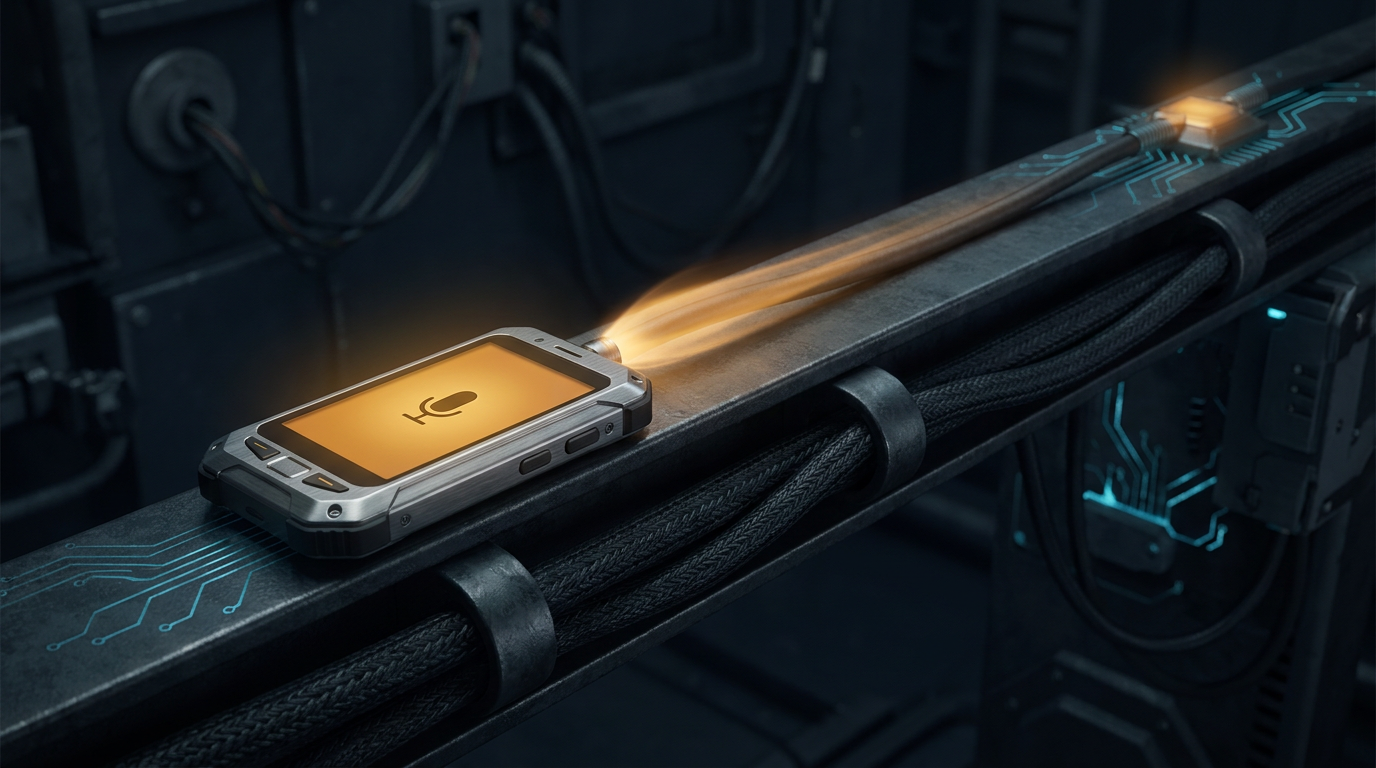
How Do You Capture Work Between Customers Without Typing Anything?
You capture work between customers by speaking it into a one-tap voice agent that transcribes the note, reads the intent, and flags it to the right place before the next customer walks in. No keyboard, no app to open. Here is the build log: the stack, the bugs, and the fixes. Twenty years on a floor, no tech background.
I sell cars for a living. Twenty years in automotive retail, no tech background, no computer science degree.
Here is a thing that happens forty times a day on a floor. A customer says something on their way out that matters. "Call me after payday." "My trade is at my son's place, I'll bring it Saturday." "Text me the payment on the Silverado, not the Tahoe."
Then they are gone, the next up is already walking in, and there is no keyboard in reach and no gap to use one.
So the note goes in your head. And your head is already full. By closing it is gone, and the work nobody wrote down is the work nobody does.
This is a build log for the fix. How you capture work between customers without typing anything. The stack, the bugs, and the fixes.
The short answer
You capture work between customers by speaking it into a one-tap voice agent on your phone. You tap a single button, say what happened, and the agent records the audio, transcribes it to text, reads the intent, and flags it to the right destination, all inside the few seconds before the next customer arrives. No keyboard, no app to open, no form. The thought leaves your head and lands somewhere real without you ever stopping to write it down. It is the smallest useful agent an operator can ship, and it is built in four pieces.
Definition
Hands-free work-capture agent:
a small piece of software that lets an operator speak a note out loud and have it recorded, transcribed, read for intent, and flagged to a chosen destination, so work committed between customers is captured without a keyboard and without breaking stride.
Why is typing the wrong tool for this moment?
Because typing needs both hands, a flat surface, and a gap in the action that a busy floor does not hand you.
Think about the actual moment. A customer is walking to their car. The next one is coming through the door. You have a phone in one hand and about five seconds of quiet. That is the entire window the work has to survive.
Now count what typing asks of you inside that window. Unlock the phone. Find the notes app or the CRM. Wait for it to load. Tap into a field. Thumb-type a sentence while you split your attention between the screen and the person now standing in front of you. Every one of those steps is a place the note dies. And the note usually dies at step one, because you never start.
Speaking skips all of it. You tap once and talk the way you already talk. The sentence you would have said to yourself becomes the capture. No unlocking into an app, no field, no thumbs. The gap is finally wide enough, because you made the tool fit the five seconds instead of hoping the five seconds would stretch to fit a keyboard.
The one-line spec
You tap a mic, you say what happened, and the work is captured and routed to the right place before the next customer reaches you. One tap in, no typing, no conversation. The note leaves your head and lands somewhere real.
What actually happens when you speak a note?
Four steps, and each one does exactly one job. That is the whole design.
Tap and record. A simple web page you open on your phone. One button. Tap to start, tap to stop, it sends the audio up. There is no app-store install and no login dance between customers, because either one would blow the five-second window. It is a page with a mic, saved to your home screen, and nothing else.
Transcribe. The recorded audio goes to a speech-to-text step that hands back plain text. You send audio, you get a string. This part is a solved problem now, and it is the least of your worries.
Read the intent. You hand the transcript to a model with a tight instruction: figure out what kind of note this is and pull out the fields that matter. Who, what, when, where it goes. The model returns structured data, not prose, because the job is to file the note, not to answer it.
Route it. The structured note travels to its destination based on what the model read. A follow-up promise goes to a follow-up list. A trade detail goes onto the deal. A parts note goes to the parts board. The router is a small switchboard, and it is quietly the piece that decides whether you trust the whole thing.
You can stand all four up on free and hobby tiers to start. Once it is live for one operator it runs on less than fifty dollars a month in hosting. That is not a teaser number. It is what a single-operator capture agent actually costs to keep on.
This is the same base pattern under every capture agent I have built. It is the voice-flag agent with a destination on the end, and the voice-to-task agent for a service writer is that same base with a task list bolted on. Learn the capture once and the rest is variations.
Why build the boring parts before the microphone?
Because a captured note that lands in the wrong place, or vanishes with no error, is worse than no note at all.
The mic feels like the product. It is not. The moment of truth is an hour later, when you go looking for the note and it has to be exactly where you expect it, with the right details, every single time. If it is there, you start trusting the tool and you offload everything into it. If it is missing once, you go back to keeping work in your head and the agent is dead.
So I build the router and the confirmation first. I make sure a known-good note, hand-fed in, gets to its destination and stays there, with a record that it arrived, before I ever put a voice on the front. Same order I build everything in, and for the same reason, which I laid out in why I built the routing layer before any of the agents. The plumbing is the product. The microphone is the demo.
The mic is the demo. The note sitting exactly where you left it an hour later is the product. Build the part nobody claps for first.
If you are not sure this is even the right agent to start with, I wrote a plain test for that in how to evaluate an AI agent for your sales floor. The short version: small, painful when missing, happens every day. A dropped between-customer note hits all three.
What breaks first, and how do you fix it?
Three failures, in the order they hit me. They are the reason to build small and build in public.
One. Mobile audio breaks the moment a real phone opens it. On my laptop the recorder worked on the first try. On an actual phone it threw a codec error, or the mic permission never resolved, or the recording came back empty. Desktop and mobile browsers do not agree on which audio formats they will record, and the phone in a customer's hand is not the phone you tested on. The fix is unglamorous. Detect what the device can actually record instead of assuming, treat the permission prompt as a real state and not an afterthought, and test on the oldest phone you can find. The browser recording APIs and their codec quirks are documented at the MDN MediaRecorder reference, which you will read more than you expect.
Two. The model mis-reads the note. You say "flag the blue Tahoe for a Saturday trade drop," and the parse files it under the wrong intent, or drops the Saturday, or routes it to the wrong board. Speech is messy and transcripts come back imperfect, especially in a loud room with a customer half-talking over you. The fix is two-part. Tighten the instruction so the model returns a confidence signal alongside the normalized fields, and when the confidence is low, do not guess. Send the note to a small review lane you glance at once, instead of confidently filing the wrong thing. A wrong note filed with confidence is worse than a note you confirm by hand.
Three. The silent lost note. This is the one that will actually hurt you. A note gets recorded, the transcription succeeds, the parse looks fine, and then something downstream fails and the note never lands anywhere. No error. You believe it is handled. It is gone, and you only find out when the customer buys somewhere else. The fix is to make every step confirm the next one, and to make the last step tell you it happened. A note is not "captured" when the audio uploads. It is captured when it is visibly sitting in its destination with a record behind it. Until then it is in flight, and anything in flight can be lost.
The failure that kills trust
A silent lost note is worse than a crash. A crash tells you to try again. A silent loss lets you believe a thought is handled when it is gone. Confirm the landing, always, and make a note that never landed surface loudly instead of dissolving.

How do you keep the build small enough to ship this week?
You capture one kind of note first. Not everything you might ever say between customers. One.
Pick the note you drop most, the one that hurts when it falls out of your head, the one that happens every single day. Capture it, read it, route it to one destination, and confirm it landed. That is the whole v1. Small, painful when missing, and daily. Those are the three criteria I hold every first build to.
Then run it for a week without touching it. A week of using it for real on a real floor tells you which of your imagined features were real and which were you gold-plating at the kitchen table. Almost always the thing that matters is not a second kind of note. It is the confirmation that the note landed. That is what turns a demo into a tool you rely on.
Capture one kind of note, prove it lands where you expect, then run it untouched for a week. The second kind of note is cheap once the first one is trusted. Trust is the product, and trust is built by the note being exactly where you left it, every time.
Only after that week do you add the next kind of note. The router you built first makes each new one cheap, because adding a note type is just a new branch on a switchboard that already works. That is the compounding that lets an operator stack grow. Five rivers, twenty-two agents, all built the same way, one small trusted piece at a time. If you want the starting sequence for your own first build, I wrote it out in how to start building AI agents if you have a day job.
The router leans on the Model Context Protocol, the open standard for connecting a tool like this to the places a note has to travel, and it is worth respecting even on a first build, because that connect-and-route layer is where the reliability lives.
The reason to build this one, if you take nothing else from the log, is that it is small, the failures teach you the whole stack, and the day it works you have removed a class of dropped work from a real person's day. That is the only scoreboard that matters. Fewer notes lost. Fewer things nobody was ready for because nobody stopped to type them.
The community where operators ship these in public, bugs and all, is at skool.com/agent-empire-4291. Free. Come build a capture agent with us before the next customer walks in.
While I sell cars for a living.
Michael
FAQ
How do you capture work between customers without typing anything?
You speak it. A one-tap voice agent on your phone records the note, transcribes it to text, reads the intent, and flags it to the right destination, all in the few seconds between one customer leaving and the next arriving. You tap a single button, say what happened, and the work is captured and routed before you look up. There is no keyboard, no app to install, and no form to fill. The whole point is that a thought leaves your head and lands somewhere real without you ever stopping to write it down.
Why is typing the wrong tool for capturing work on a busy floor?
Because typing needs both hands, a steady surface, and a gap in the action that a busy floor never gives you. Between customers you have five seconds and a phone in one hand, not a minute at a keyboard. Every extra step, unlocking, finding the app, tapping a field, is a reason the note never gets written and the work quietly falls out of your head. Speaking is the only capture method fast enough to survive the gap. You talk, it files, and you are ready for the next person before they reach you.
What does a hands-free work-capture agent cost to run?
For a single operator, less than fifty dollars a month in hosting once it is live. You can stand up every piece, the mic capture, the transcription, the intent parse, and the router, on free and hobby tiers to start. The running cost stays small because the agent does a small amount of work per note. It is not a teaser number. It is what a one-person voice-capture agent actually costs to keep on.
Do you need to know how to code to build a voice-capture agent?
You do not need a computer science degree, but the person building it does need to follow a build, run code a model writes, and read enough of it to fix the handful of failures that show up. That is closer to running a complicated spreadsheet than to being a software engineer. The operator who uses it needs to know nothing at all. They tap a button and speak. The tricky parts are narrow: recording audio reliably on a real phone, and confirming the note actually landed. Neither is beyond an operator willing to build in the margins.
Michael Rodriguez
Michael Rodriguez has spent 20 years on a dealership floor. With no tech background, he built and runs 22 production AI agents across four businesses on less than $50 a month, in evenings and lunch breaks. Agent Empire is where he ships it in public.
Building agents around a day job? Agent Empire is where operators ship it in public, together. Come build with us.