
August 10, 2026 · Michael Rodriguez

How to Build a Useful AI Agent in a Weekend
A field-tested weekend build plan for shipping a working AI agent: scope, tools, wiring, and honest gotchas from the builder bench.
The short answer
Definition
AI Agent: An AI agent is a software loop that receives a goal, reasons about which tools to call, executes those calls, observes the results, and iterates until it produces a final output or hits a stop condition, all without a human approving each step.
Why do most weekend agent projects stall before Monday?
Most builds stall because the scope grows faster than the tooling does. You start with "I want an agent that monitors my inbox" and by Saturday afternoon you are also trying to give it calendar write access, a Notion connector, and a custom memory store. Pick one job. Write it on a sticky note. Ship that.
Note
What should you actually build on day one?
Day one is for decisions and scaffolding, not features. Work through this checklist in order and do not move to wiring until each row is resolved.
| Decision | Question to answer | Example answer | |---|---|---| | Job | What single task should the agent complete? | Summarize new GitHub issues and post to Slack | | Trigger | What starts the agent? | Webhook on new issue label | | Tools | What external calls does it need? | GitHub read, Slack write | | Model | Which LLM fits the latency and cost envelope? | GPT-4o-mini for low cost | | Success test | How will you know it worked? | Correct Slack message on 5 test inputs | | Failure mode | What happens when it breaks? | Log to file, skip and alert |
Once that table is filled in you have an architecture. The actual code on day one is a single file: a prompt, a tool registry, and a run loop. Keep it under 200 lines.
Which framework should you reach for first?
For a first build, framework choice matters less than people argue online. Two options cover most weekend projects:
LangChain / LangGraph is worth it if you already know Python and want prebuilt tool integrations. The abstractions add overhead to debug but save time on connectors.
Raw API with a tool-use loop is better if you want to understand what is actually happening. OpenAI's function-calling API and Anthropic's tool-use API both give you a structured JSON response you can route yourself in about 40 lines. The OpenAI function calling documentation is the cleanest starting reference.
For agents that need to browse the web or run code, LangChain's tool catalog lists community-maintained wrappers that save hours of connector work.
The agent that ships Saturday night beating the one architected until Sunday morning is a theme in every builder community, not an exception.
How do you wire tools without creating a security hole?
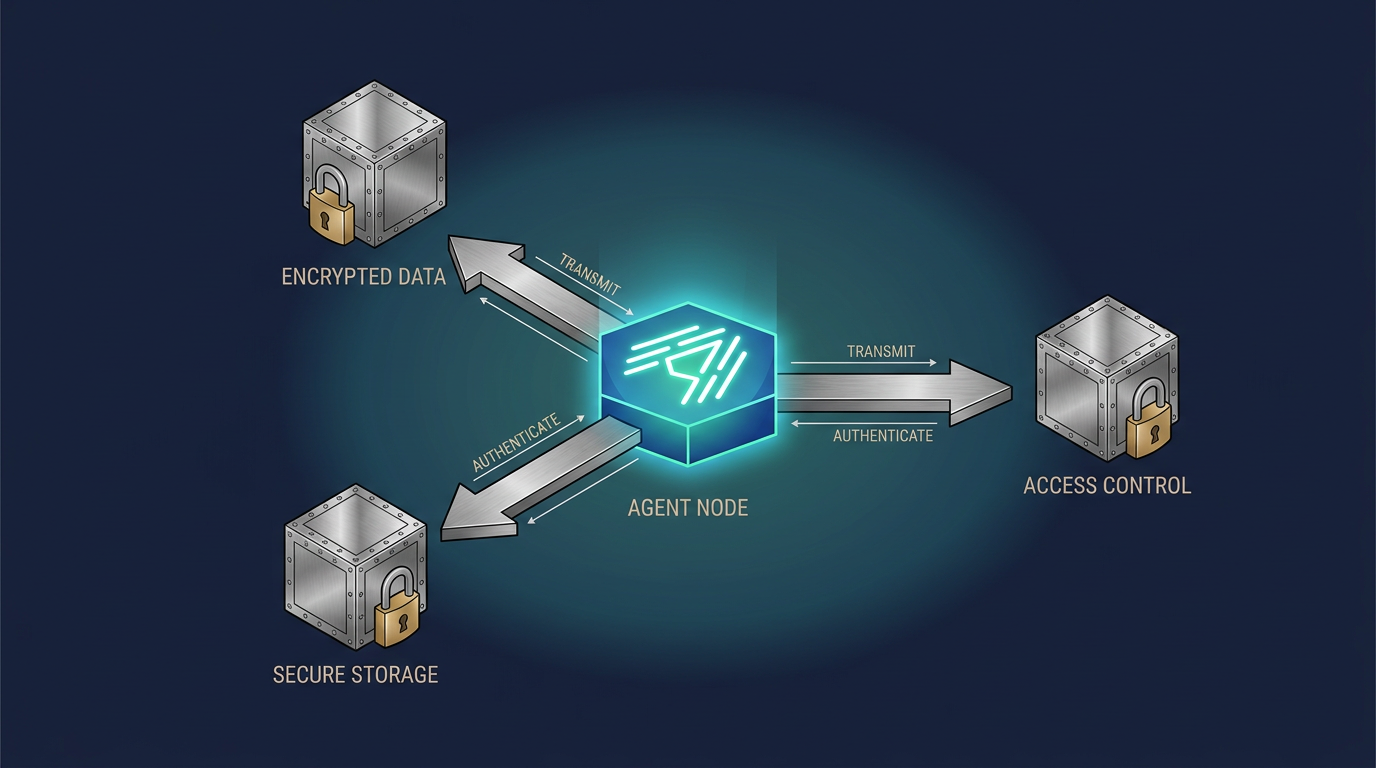
Day two's first job is not adding features, it is tightening the tool permissions you already have. Every tool should have the minimum scope needed.
- GitHub token: read-only on the one repo, not org-wide.
- Slack bot: write to one channel, no read permissions unless the agent needs context.
- File system access: a single working directory, not home.
- External HTTP calls: an allowlist of domains, not open fetch.
This sounds slow but it takes 20 minutes and it means your agent cannot do something embarrassing when the model hallucinates a tool call you did not intend.
What does a minimal but production-honest run loop look like?
Here is the skeleton in plain prose because the exact syntax varies by model provider:
- Send the user goal and tool definitions to the model.
- Receive a response. If it contains a tool call, execute the matching function and capture the output.
- Append the tool result to the conversation history and send it back to the model.
- If the response is a final answer, surface it and stop.
- If you have iterated more than a set maximum number of turns (start with 10), stop and log a warning.
Step 5 is the one builders skip and regret. Without a hard turn limit, a confused agent can burn through API credits in a loop that makes perfect sense to the model and zero sense to you.
Note
How do you test an agent you built yourself?
Manual testing with five representative inputs is the right bar for a weekend build. Automated evals come later. For each test input, record:
- Did the agent call the right tool?
- Was the final output accurate?
- How many turns did it take?
- Did it fail gracefully when given a bad input?
If you pass four of five on all four questions, you have something shippable to a small group of real users. Giving it to two colleagues on Sunday night and watching them use it will teach you more than any synthetic benchmark.
For further reading on evaluation frameworks that scale past the weekend, the research team at Anthropic published a useful overview of agent evaluation patterns in their model card and usage documentation.
Where does memory fit into a weekend build?
It usually does not, and that is fine. Most useful agents do not need persistent memory for a first version. They need good context in a single session. If the agent's job is transactional (summarize this, post that, look up this value) session memory is enough.
If you genuinely need the agent to remember things across runs, start with a flat JSON file written to disk after each session. A vector database is the right answer eventually but it adds an infrastructure dependency that will eat your Sunday.
The 10-agents guide covers how production agents layer memory once the core loop is stable.
What are the most common places a weekend build breaks?
- Prompt too vague: The model does not know when to stop reasoning and act. Add explicit stop conditions to the system prompt.
- Tool output not parsed: The agent returns raw JSON to the user because no formatting step exists. Add a final answer template.
- Rate limits hit during testing: Build in an exponential backoff wrapper around every API call on day one, not after you hit the limit.
- Model picks the wrong tool: Usually a naming problem. Tool names and descriptions are the most important tokens in your prompt. Treat them as carefully as you treat function names in production code.
For a broader map of how different agent architectures handle these failure modes, the blog post on agent design patterns is a useful next read.
Michael Rodriguez
Michael Rodriguez has spent 20 years on a dealership floor. With no tech background, he built and runs 22 production AI agents across four businesses on less than $50 a month, in evenings and lunch breaks. Agent Empire is where he ships it in public.
Building agents around a day job? Agent Empire is where operators ship it in public, together. Come build with us.